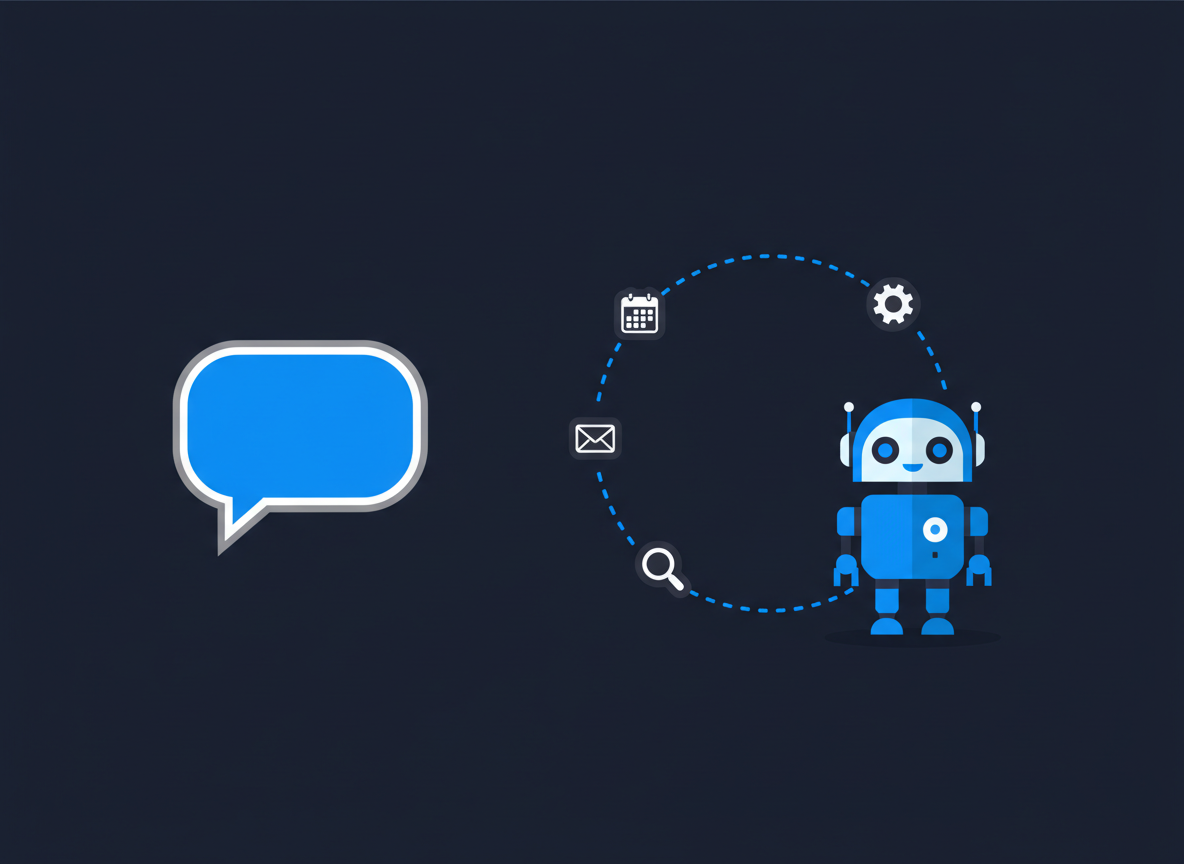
“AI agent” has become one of the most used terms in tech. But what actually separates an agent from the chatbot you already use? The short answer: a chatbot talks, an agent acts.
What a chatbot does
A chatbot responds to your messages. You ask a question, it answers. You ask for a draft, it writes one. Every step depends on you sending the next message, and the result stays in the chat until you copy it somewhere.
What an agent does
An AI agent is given a goal and works toward it in several steps, using tools along the way. It might search the web, read files, run code, fill in forms or update a calendar, then check its own progress and decide what to do next, with less back-and-forth from you.
A side-by-side example
Chatbot: “Suggest a time for a team meeting next week.” You get a suggestion, then check calendars and send invites yourself.
Agent: “Schedule a 30-minute team meeting next week.” With access to your calendar, it checks everyone’s availability, picks a slot, creates the event and sends the invitations.
The building blocks of an agent
- A language model that plans and decides. See what a large language model is.
- Tools it is allowed to use, such as search, email, files or a browser.
- A loop: plan, act, check the result, repeat until done.
- Limits and approvals that decide what it can do on its own and what needs your OK.
Where agents work well today
- Research that needs many searches and a combined summary.
- Coding tasks: reading a project, making changes and running tests.
- Repetitive admin across apps, such as sorting email or updating records.
Risks to keep in mind
- Mistakes compound. An early wrong step can carry through the whole task.
- Actions are real. A sent email or deleted file can’t always be undone.
- Untrusted content. Web pages or documents can contain hidden instructions that try to mislead an agent.
- Cost. Multi-step tasks use many more tokens than a single answer. Estimate with our AI API Cost Calculator.
Good practice: give agents only the access they need, require approval for anything irreversible, such as payments, deletions or sending messages, and review their work, especially at first.
Key takeaways
- Chatbots respond; agents pursue a goal over several steps using tools.
- Agents save time on multi-step work but can make costly mistakes.
- Limit their access and keep approvals for anything you can’t undo.